
Setup
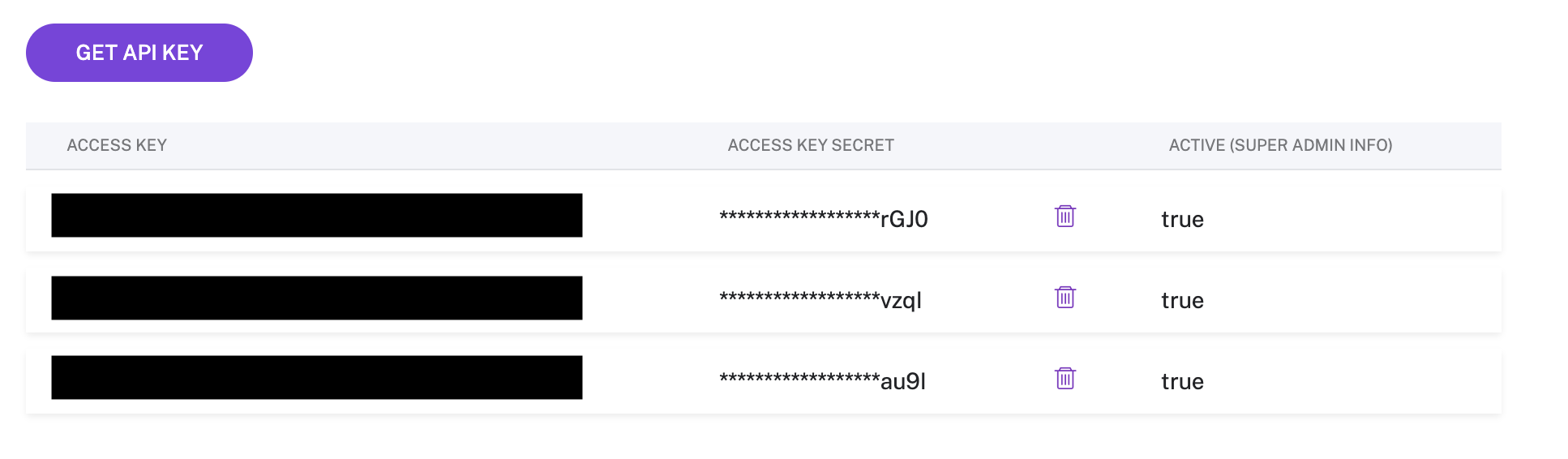
To get started with Gong, create an integration with Gong, and use your Access Token and Secret to create a new destination within Hightouch.
The Gong API page can be found here: (https://app.gong.io/company/api).
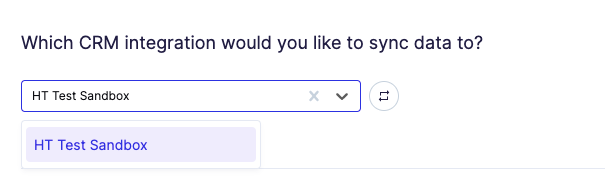
Select CRM integration
Hightouch allows you to choose which CRM integration you wish to sync data to. This can be selected on the sync configuration page.
Syncing CRM data
Upload CRM data
The Gong integration allows users to upsert the following object types:
- CRM Users
- Accounts
- Deals
- Contacts
- Leads
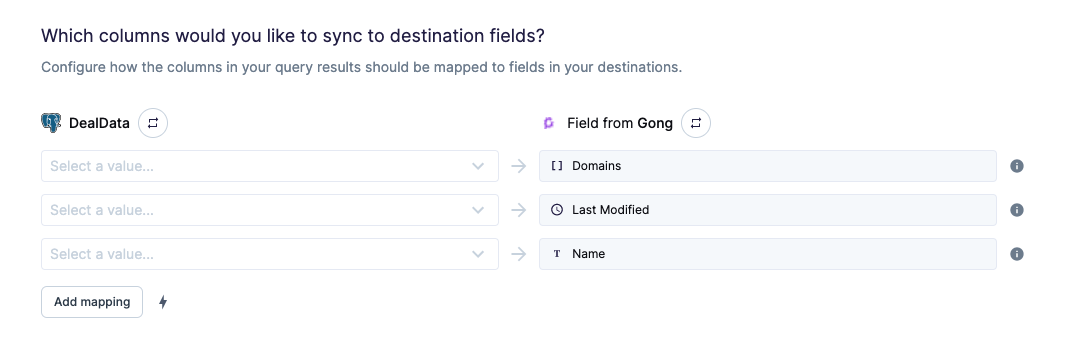
Field mapping
You can sync columns from your source to Gong's fields.
Tips and troubleshooting
Common errors
To date, our customers haven't experienced any errors while using this destination. If you run into any issues, please don't hesitate to . We're here to help.
Live debugger
Hightouch provides complete visibility into the API calls made during each of your sync runs. We recommend reading our article on debugging tips and tricks to learn more.
Sync alerts
Hightouch can alert you of sync issues via Slack, PagerDuty, SMS, or email. For details, please visit our article on alerting.