Overview
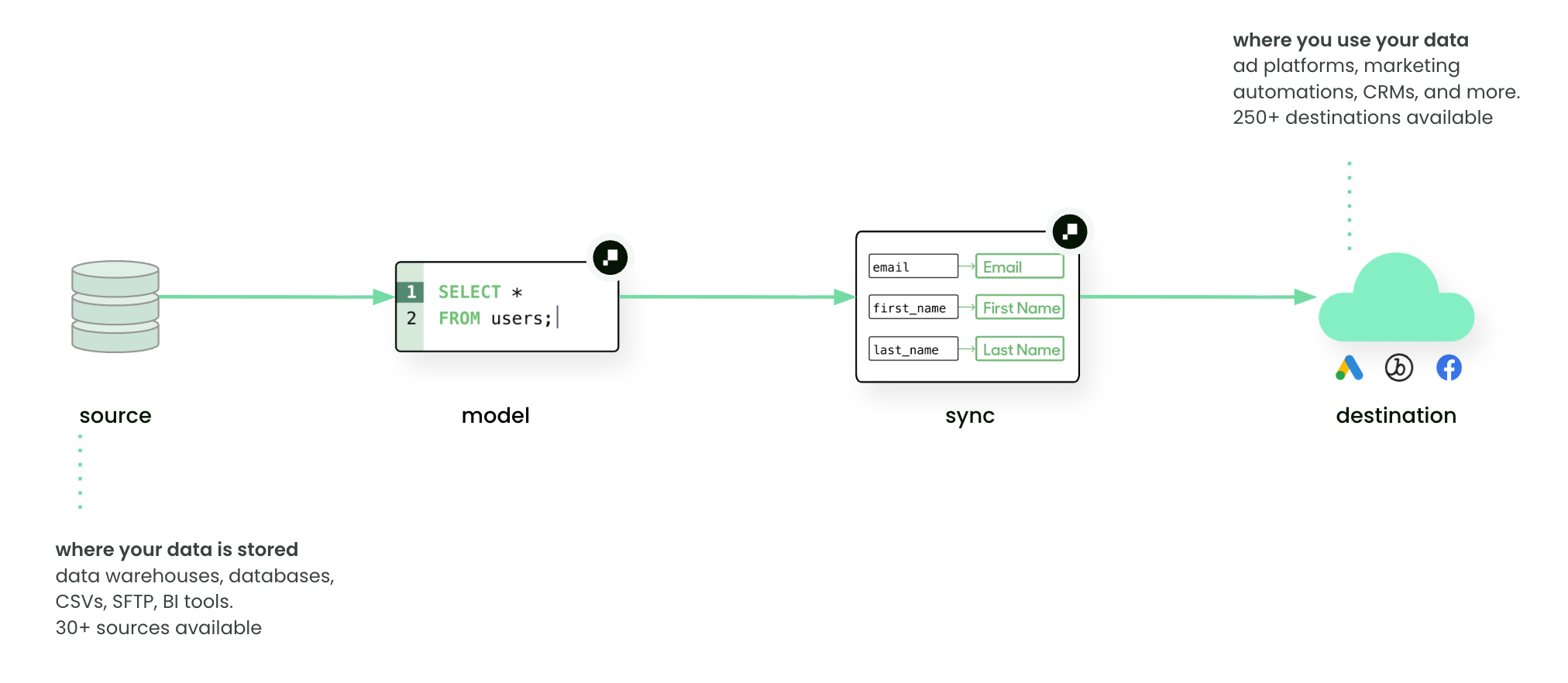
A source is any system where your business data lives.
Common examples include cloud data warehouses such as Snowflake, BigQuery, or Databricks. Sources can also be transactional databases, flat files (CSV, SFTP), or BI tools like Looker and Sigma.
Sources are the starting point in Hightouch’s Reverse ETL pipeline. Once connected, you can query data from them to build models, which are then delivered to destinations through syncs.
For marketers: a source is simply where customer and business data lives, such as purchase history, website events, or CRM records.
Add a source
To create a new source:
- Go to Integrations, then Sources.
- Click Add source.
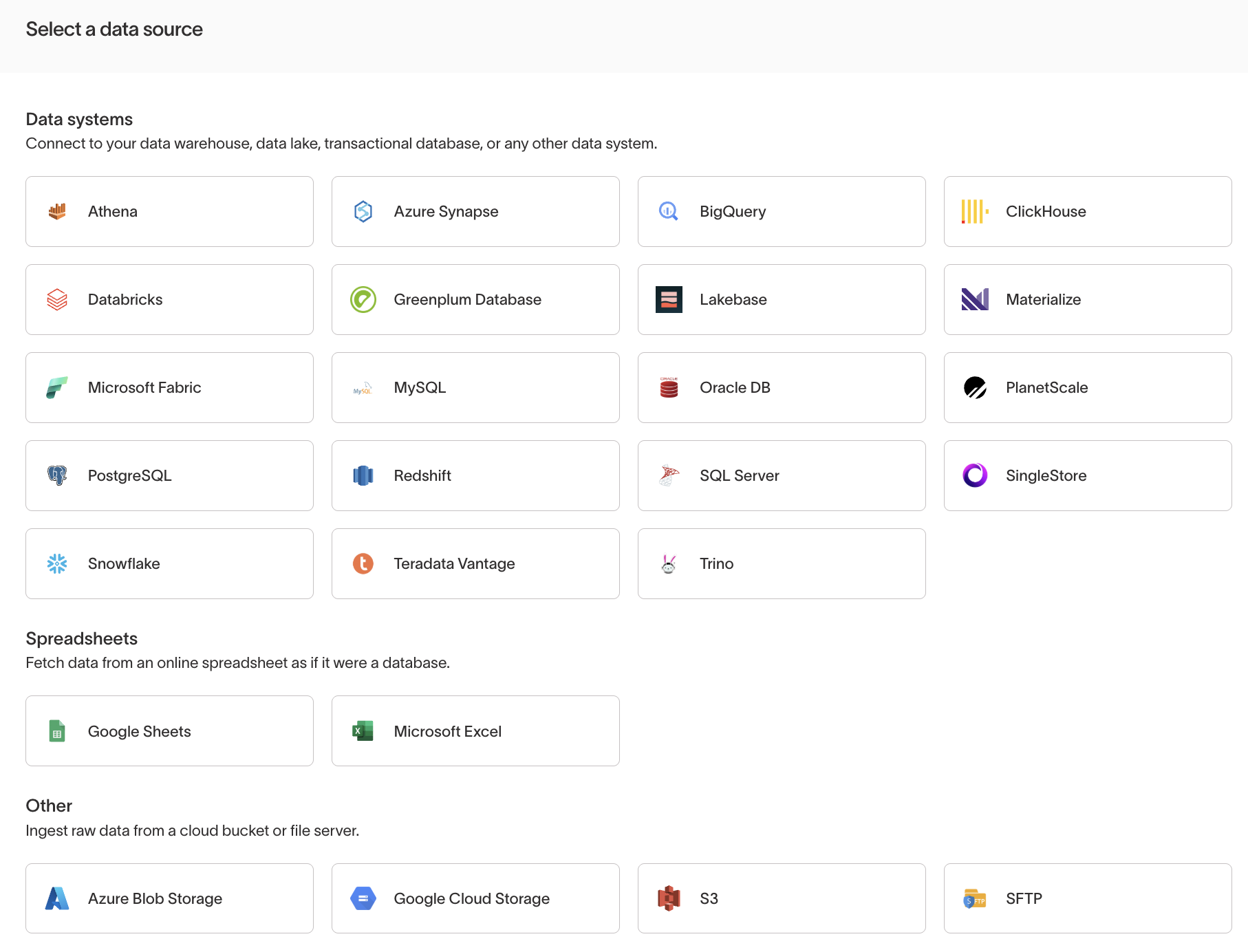
You’ll be prompted to choose from supported source types and provide the necessary connection details, such as:
- Connection method (e.g. username/password, OAuth, API key)
- Host and port (for databases)
- Authentication details
- Permissions required by Hightouch to query data
During source setup, Hightouch prompts you to choose a sync engine. The Lightning sync engine is recommended for all supported sources. It computes change data capture directly in your warehouse for faster syncs and is required for features like Journeys, Sampling, and Warehouse Sync Logs.
The exact configuration steps depend on the source type. See catalog and refer to integration-specific documentation for instructions.
Security and connectivity
Hightouch connects to sources securely:
- All data in transit is encrypted with TLS.
- For private networks or VPCs, you can connect via SSH tunnel, AWS PrivateLink, Azure Private Link, or Google Cloud Private Service Connect.
- By default, no customer data is copied into Hightouch storage—queries are run directly against your source.
See Security and compliance overview for details.
Permissions
Access to individual sources is controlled through custom roles. Admins can configure source-specific grants in the Source tab of the custom role builder, including per-source read, write, and manage permissions. See Roles for details.
How sources fit into data activation
- Data teams: configure sources and expose trusted tables or views.
- Marketers: work with models and schema that are built on top of these sources, without needing to understand the connection details.
Example:
- Source: a Snowflake warehouse containing ecommerce data
- Model: SQL query for “users with >3 purchases in last 90 days”
- Sync: send this model to Meta Ads for retargeting
Next steps
- Add your first source
- Learn how to define Models on top of sources
- Configure Syncs to deliver data into destinations